What Tools are Needed?
We provide a variety of tools to help the planning and delivery of the workshop go smoothly, including:
- DEEP™ Brand Guidelines
- A Sample workshop signup form (refer to the website)
- Sample workshop schedule/agenda
- Email template for communication
- Graphic template sample for recruitment
- Workshop material list and pricing
- Sample Follow-up survey questions
What is the ideal venue and setup?
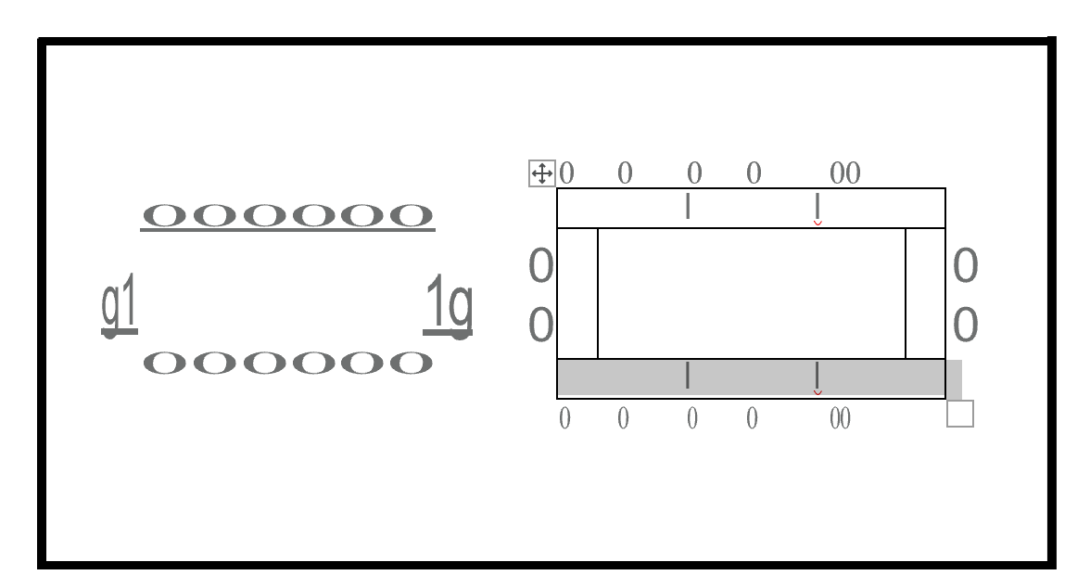
Space: Choose a space that is comfortable enough to accommodate a
group your size. Set up tables so that the participants and the facilitator sit facing each other (see the diagrams below for recommended setup).
Additional Items Needed: You’ll need to have a whiteboard or projector available in the room as a tool when presenting. Microphones and speakers are optional, depending on room and group size.
Workshop Launch Timeline
Set a Date & Launch a Signup Form
1. Find a date that will work well for your organization to conduct the workshop.
2. Confirm the availability of facilitators.
3. Modify your Workshop Signup Form. We’ve found that asking potential participants to fill out an application helps with commitment and follow-through.
Get the Word Out
1. Get the word out and start recruiting potential participants. You may want to:
- Use the sample E-blast to send an email to your organizations’ contact list
- Use the Shared Graphics on your website and social media outlets
- Make sure to include a link to the Workshop Signup Form in your recruitment efforts
Secure a Venue
You’ll need to identify and secure a space large enough to accommodate all attendees, depending on the target size of the group (recommended group sizes: Minimum 6-8, Maximum 25).
The ideal venue should include:
- Enough space for attendees to sit at one big table or in a square with tables facing each other. See the diagram above for preferred setup. It can also work to have smaller tables where 8 or so are sitting facing on another.
- A whiteboard or projector available.
- Microphone and speaker for audio (depending on room size)
Confirm Participants
1. Respond to applicants who have completed the signup form using the Acceptance Email Template.
2. Collect payment (if applicable).
3. Send reminders as needed to ensure you have participants confirmed.
Get Ready for the Workshop
1. Follow up with participants to make sure t4hey are still planning to attend and give them any last-minute information on the event.
2. Collect any outstanding payments (if applicable).
3. Order food and/or snacks for the workshop.
4. Get together any additional materials you’ll need that were not included in the toolkit.